
Picture this.
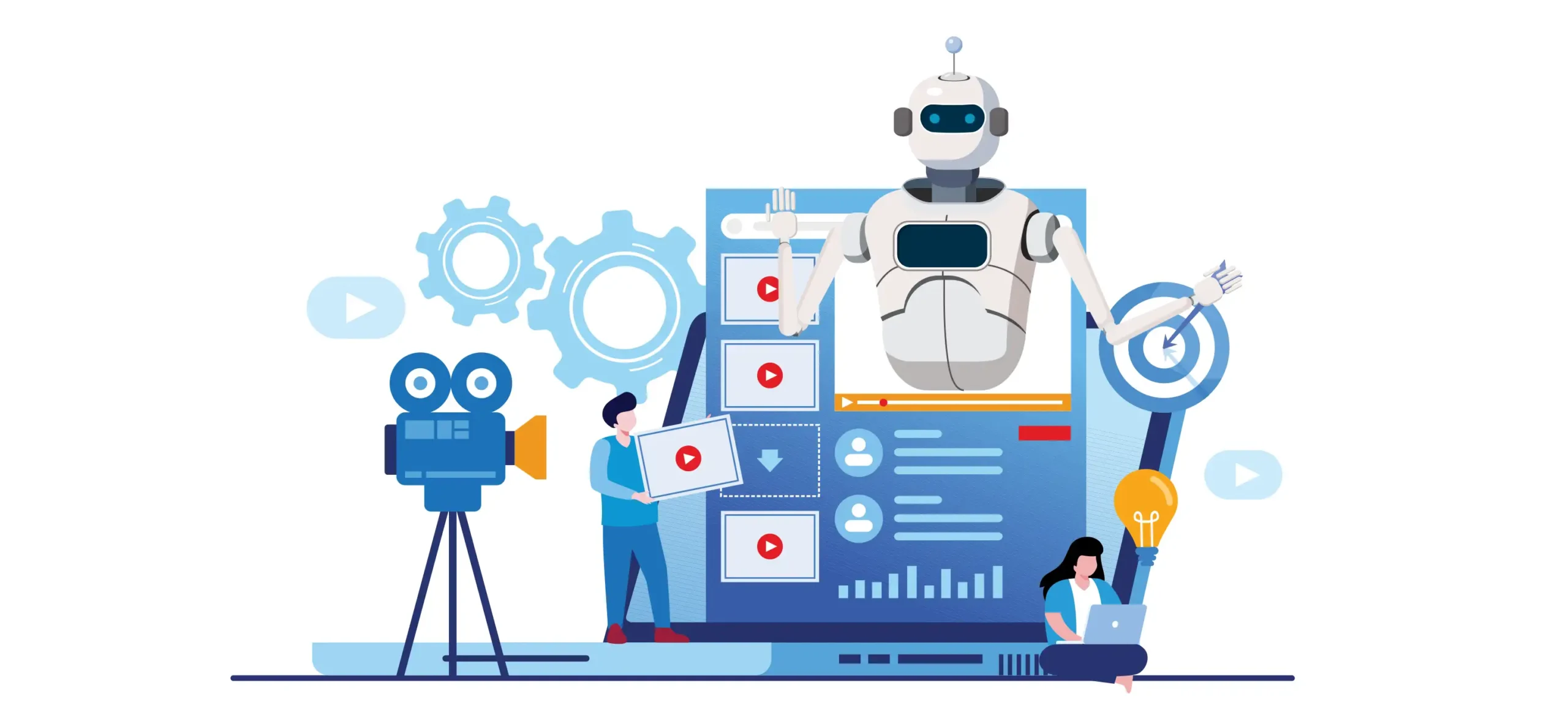
You wake up, power up your laptop, and by lunchtime a polished YouTube video, three social media clips, a translated version for an international audience, and a blog post are public — the products of a single recording session.
That’s not a fantasy. That’s what good AI media production ideas make possible today.
The media landscape in 2025 is utterly unrecognizable from half a decade earlier. AI tools have exploded on the scene, and they’re doing more than just helping big studios save money. They are putting serious creative firepower in the hands of solo creators, small businesses, and anyone else with something worthwhile to say.
But here’s the problem. When most people hear “AI for media production,” they think of gimmicks — strange AI art or robotic voices that resemble something out of a 1980s science fiction movie. The reality is much more interesting.
This article will guide you through 10 truly revolutionary AI media production ideas. These are not trends for the far-off future. They’re tools and tactics you can employ in your workflow today.
Let’s get into it.
Why You Need to Pay Attention to AI Media Production Trends Right Now
Before we delve into the ideas, let’s take a moment to consider some of the broader context.
The demand for content is unprecedented. Social platforms reward consistency. Audiences expect quality. And the standard tools for delivering on those expectations — large crews, pricey software, recording studios — are well beyond the reach of most content creators.
AI closes that gap.
According to Goldman Sachs research on AI and automation, AI could replace as much as 26% of work in the media and entertainment sector. That doesn’t mean jobs disappear. It means the time you used to devote to slow, repetitive work is returned to you.
The creators who take that time and use it to produce better work, stronger stories, and wider distribution are the ones pulling ahead. The 10 ideas that follow tell you exactly how to take action.
Idea 1 — Spin One Interview into an Entire Content Ecosystem

Many creators treat a long interview or podcast episode as one unit of content. Record it, release it, next please. That’s a mountain of value being left on the table.
One of the smartest AI media production ideas out there is to treat any long-form recording as raw material for an entire content ecosystem.
Here’s How the Process Works
Begin by recording your interview or podcast as you normally do. Then feed it into an AI tool like Descript or Otter.ai. You have a full transcript in minutes.
From there, an AI writing tool can analyze that transcript and extract the 10 most quotable moments, the key takeaways for a blog post, and even a series of social media captions.
A video AI tool such as Opus Clip or Vidyo.ai can then automatically identify the most engaging 60-second clips from the full video. Those become your Reels, your Shorts, your TikToks.
Here’s what one 45-minute interview can actually become:
| Source Content | AI-Generated Assets |
|---|---|
| 45-minute interview | 1 full YouTube video |
| Full transcript | 1 long-form blog post |
| Key quotes extracted | 8–10 social media posts |
| Top moments identified | 5–7 short video clips |
| Summary generated | 1 email newsletter |
| Key points reformatted | 1 LinkedIn article |
One recording session. A week’s worth of content. That’s the power of thinking in ecosystems.
Idea 2 — Use AI to Write Scripts That Actually Sound Like You
AI-generated scripts have a bad reputation. And honestly, in some ways, that’s deserved. Early AI writing tools could only produce rigid, generic content that sounded like a committee had authored it.
That’s changed dramatically.
Today’s AI writing tools can be taught — or at least steered — to reflect your unique voice, tone, and style. The result is a first draft that sounds like you, not some robotic imposter.
Putting Your Voice Into the AI
The trick lies in how you prompt the tool. Don’t just say “write a script about email marketing.” Feed the AI your angle, your audience, your personality cues — even examples of content you’ve written or said before.
For example: “Write a conversational YouTube script about email marketing for small business owners. My tone is chatty, a bit humorous, and I make frequent use of real-life examples. Keep sentences short. Avoid corporate language.”
That level of detail gives you something you can actually work with. You still edit it. You still get to put your own stories and experience in there. But the heavy lifting — the architecture, the flow, the transitions — is done.
Tools like Claude, ChatGPT, and Jasper all handle this well when given the right instructions.
Idea 3 — Let AI Handle the Parts of Production You Hate Most
Every creator has a least-favorite part of the production process. For some it’s editing. For others it’s writing captions. For many, it’s the endless cycle of color correction and audio cleanup.
This is where AI media production ideas get really practical.
Matching the Right AI Tool to the Right Pain Point
Here’s a breakdown of the most common production pain points and the AI tools being built to solve them:
| Production Pain Point | AI Tool That Fixes It |
|---|---|
| Cutting out silences and filler words | Descript |
| Noisy audio cleanup | Adobe Podcast Enhance |
| Color grading and correction | DaVinci Resolve AI tools |
| Writing social captions | Lately, ChatGPT |
| Creating video thumbnails | Canva AI, Midjourney |
| Generating b-roll footage | Runway, Pika Labs |
| Syncing music to video | Soundraw, AIVA |
The idea isn’t to automate your entire workflow overnight. Start by focusing on your single largest time drain. Hand it to an AI tool. Watch how much time you win back. Then stack the next one.
Idea 4 — Go Multilingual Without Hiring Translators
Here’s a question that the vast majority of English-speaking creators hardly ever think about: why are you only talking to people who speak English?
The global internet audience is huge. Spanish is spoken by an estimated 500 million people. Hindi by over 600 million. Mandarin by over a billion. And most content targeting those audiences is thin because the creators who should be making it can’t afford traditional translation.
AI changes that equation entirely.
How AI Dubbing and Translation Works Today
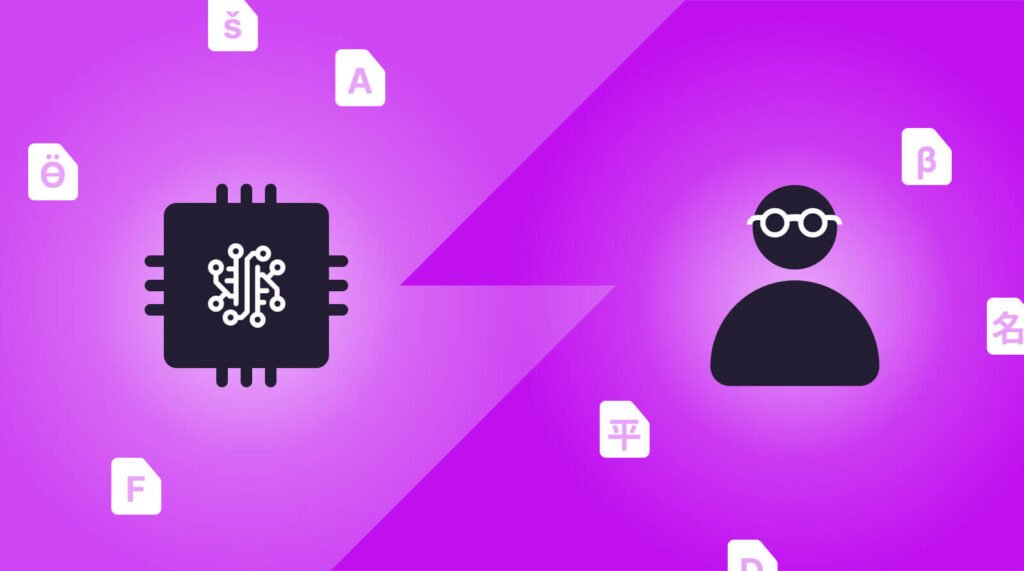
Tools like HeyGen and Rask.ai don’t just translate your words. They dub your video in a foreign language with a voice that matches your tone — and in some cases, with lip movements that sync to the new audio. What you’re left with looks and sounds like you recorded the video in that language.
For professional productions, Papercup goes a step further and provides AI dubbing that maintains the speaker’s original vocal characteristics across languages.
For creators or brands, this means you can release a video in five languages with very little extra effort or cost. Your reach doesn’t just double. It can multiply by ten or more.
Idea 5 — Create Scroll-Stopping Thumbnails with AI Image Tools
You can shoot the greatest video in the world. If the thumbnail isn’t making someone stop scrolling, no one watches it.
Thumbnails are one of the most underappreciated elements in media production. And they’re also one of the areas where AI media production ideas are delivering the biggest competitive advantages.
The AI Thumbnail Workflow That Works
Traditional thumbnail creation requires a designer, stock images, font choices, and layout skills. With AI tools, you can generate multiple compelling thumbnail concepts in minutes.
Here’s a workflow that tends to produce strong results:
Start by deciding the emotion you want the thumbnail to evoke — curiosity, urgency, surprise, or excitement. Feed that into a tool like Midjourney or Adobe Firefly with a detailed prompt. Generate four to six variations. A/B test two of them using YouTube’s built-in testing options.
Over time, you get a clear picture of what visual style your audience embraces. Then you feed that data back into your AI prompts to get even better results.
Creators who test thumbnails systematically report click-through rate improvements of 20% to 40%. That’s not a small number. That’s the difference between a video that grows your channel and one that disappears into the wilderness.
Idea 6 — Produce Content Without Being On Camera Using AI Avatars
Not everyone wants to be on camera. Some creators are naturally introverted. Others are building brands or educational channels where the content matters more than the face delivering it. Some simply can’t film regularly due to their schedule or living situation.
AI avatar technology is one of the most genuinely exciting AI media production ideas for this group.
What AI Avatars Can Do Right Now
Platforms like HeyGen, Synthesia, and D-ID allow you to create a realistic digital avatar — either based on your own likeness or a custom character — that delivers your script on camera with natural facial expressions and body language.
You type your script. The avatar delivers it. The result is a professional-looking video without a camera, a studio, or even a single take.
This is especially powerful for:
- Online course creators who need to produce large volumes of educational content
- Brands that want a consistent on-screen presenter without ongoing talent costs
- Creators who speak multiple languages and want localized avatar versions
- Anyone producing internal corporate training or communications
The quality has improved rapidly. Today’s AI avatars are convincing enough for most content formats outside of the most personal types of storytelling.
Idea 7 — Score Your Videos with AI-Generated Music
Background music shapes how viewers feel. The right track makes a travel video feel epic. The wrong one makes a heartfelt story feel cheap.
Music licensing is expensive and complicated. Free music libraries are packed with tracks every creator already uses. AI-generated music solves both problems.
Getting the Right Sound Without Paying Licensing Fees
Tools like Soundraw, AIVA, Mubert, and Epidemic Sound’s AI features let you generate original music tracks that match your video’s mood, length, and pace.
You describe what you need — “upbeat and motivational, 90 seconds, builds toward the end” — and the AI generates a track built to those specifications. Every track is original. No licensing headaches. No copyright strikes.
For creators who publish regularly, this is a significant operational win. It also means your content sounds more original than competitors who are all pulling from the same free music pools.
Idea 8 — Automatically Add Closed Captions and Subtitles to Every Video
Here’s a stat that still seems to surprise content creators. According to research by Verizon Media, 69% of people watch video with no sound in public spaces. And 80% of viewers are more likely to finish a video that includes captions.
Captions aren’t just an accessibility feature. They’re a retention tool.
Making Captioning Fast and Accurate with AI
Manual captioning is slow, tedious, and often outsourced at significant cost. AI captioning has made that entirely unnecessary for most creators.
Tools like Descript, Kapwing, and even YouTube’s own auto-caption feature can generate accurate captions in minutes. More sophisticated services like Rev’s AI captioning claim accuracy rates above 90% with clear audio.
Once you have captions, AI tools can also reformat them as burned-in subtitles for social media clips, translate them into other languages, and even recast them to meet accessibility standards required by certain publishing platforms.
Integrating captioning into your AI media production workflow adds next to nothing in cost and directly improves how long people stay on your videos.
Idea 9 — Use Predictive AI Analytics to Drive Smarter Content Decisions
Content is an intuitive decision for most creators. They post what feels right, track the numbers afterward, and make subtle adjustments over time.
Predictive AI analytics turns that process on its head.
Reading the Data Before You Hit Record
AI-powered tools like TubeBuddy, VidIQ, and Spotter Studio scan what’s already performing in your niche — long before you’ve made anything. They surface trending topics, find gaps in existing content, and forecast how a video idea will perform based on historical trends.
Think of it as having a researcher on your team who has watched every video in your niche and can tell you which angles are oversaturated, which need more attention, and which search queries are growing fast.
For podcasters, tools like Spotify for Podcasters’ AI analytics and Chartable provide similar insights at the episode level.
Here’s what smart AI analytics can tell you before you create:
| Insight | What It Helps You Decide |
|---|---|
| Trending keywords in your niche | Which topics to cover next |
| Average view duration for similar videos | How long to make your content |
| Top performing thumbnail styles | How to design your visuals |
| Audience drop-off patterns | Where to restructure your content |
| Competitor content gaps | Where you have a clear lane |
Creating content without this kind of data in 2025 is a bit like driving with your eyes half-closed. The information is available. Use it.
Idea 10 — Build a Custom AI Production Assistant with Personal Instructions
This last idea ties everything together — and it’s the one most creators haven’t considered yet.
Every AI tool you use can be configured with custom instructions, system prompts, or saved templates that reflect your specific workflow, brand voice, and production needs. Done right, you’re essentially building a personal AI production assistant who already knows who you are and how you work.
For more inspiration on building smarter media workflows, Media Progresif is a great resource for staying current with modern media production techniques and tools.
Setting Up Your AI Production Assistant
Start by defining the key elements of your brand:
- Your target audience (who they are, what makes them tick)
- Your tone and style (casual, educational, humorous, authoritative)
- Your content formats (long-form YouTube, short-form social, podcast)
- Your recurring segments or content structures
- Topics you never cover and topics you always tie back to your niche
Feed this information into your AI tools as a master prompt or system instruction. When you start a new project, the AI already has that context in place. It doesn’t generate generic content. It creates content built specifically for your brand.
Combine this with the other nine ideas in this article and you have something truly powerful — a production system that learns, adapts, and scales with you.
The 10 Ideas at a Glance
| AI Media Production Idea | Core Benefit | Tools to Start With |
|---|---|---|
| Single interview → content ecosystem | Maximum output per recording | Descript, Opus Clip, Otter.ai |
| AI scripts in your voice | Faster, more personal writing | Claude, ChatGPT, Jasper |
| AI for your biggest pain point | Time savings where it matters most | Varies by pain point |
| Multilingual content with AI dubbing | Massive reach expansion | HeyGen, Rask.ai, Papercup |
| AI-generated thumbnails | Higher click-through rates | Midjourney, Adobe Firefly |
| AI avatars for on-camera content | No camera or studio required | Synthesia, HeyGen, D-ID |
| AI-generated music scoring | Original sound, no licensing fees | Soundraw, AIVA, Mubert |
| Automated captions and subtitles | Better retention and accessibility | Descript, Kapwing, Rev |
| Predictive analytics before you film | Smarter content decisions | TubeBuddy, VidIQ, Spotter Studio |
| Custom AI production assistant | A workflow built around your brand | Claude, ChatGPT custom GPTs |
FAQs About AI Media Production Ideas
Q: Do I need to be tech-savvy to use these AI media production ideas? Not at all. Many of the tools described in this article are designed for everyday creators, not engineers. If you can type a sentence, you’re good to go with most of them. Start with one tool, get comfortable, then add another.
Q: Will using AI make my content feel less authentic? Only if you allow it to replace your voice entirely. AI works best as a production assistant — it handles structure, formatting, and repetitive tasks. Your stories, your opinions, and your personality are still what makes your content worth watching.
Q: How much do these AI tools cost? It varies widely. Many have free tiers that are genuinely useful when you’re getting started. Most paid plans range from $10 to $50 per month. Compared to the hours they save, the value is hard to argue with.
Q: Is AI-generated content allowed on YouTube and other platforms? Yes, with some conditions. YouTube requires creators to disclose when AI is used to create content that could be mistaken for real footage or real people. Always review the current policies of each platform before you publish.
Q: Which of these AI media production ideas should I try first? Start with whichever idea most effectively addresses your current biggest problem. Use Descript if you’re drowning in editing. If you’re starved for ideas, try a predictive analytics tool like VidIQ. If scripts are taking you hours to write, try an AI writing assistant. Fix your biggest bottleneck first.
Q: Can AI tools work together or do they need to be managed separately? Many connect naturally to each other, or through automation platforms like Zapier and Make. As you become more experienced, you can start building workflows where one tool feeds directly into the next.
The Real Point Behind All of This
Each of these AI media production ideas points toward the same underlying truth.
The barrier to making great content has never been lower. The tools are affordable. The learning curve is manageable. And the creators who embrace these ideas aren’t producing more content by working harder — they’re producing smarter content by working differently.
The gap between creators who use AI strategically and those who don’t is growing every single month. But the gap hasn’t fully closed yet. That means right now is still early enough to get ahead.
Pick one idea from this list. Implement it this week. Not next month. Not after you’ve filled your head with 10 more tutorials on the subject. This week.
The best AI media production ideas aren’t the ones you’re reading about. They’re the ones you actually put to work.